
WhatsApp Auto Send Image works best when it starts with keyword auto reply. This means sending a preset answer when a customer uses certain words. For Malaysian SMEs, it is one of the easiest ways to automate. After all, most customers ask very similar questions. In this guide, you will see 10 keywords worth setting up.
What WhatsApp Keyword Auto Reply Is
Keyword auto reply follows a simple rule. If a message contains a certain word, the system sends a certain reply. For example, “price” can trigger your price list image.
Moreover, this approach is predictable. You know exactly what customers will receive. Therefore, it works well for fixed information such as prices, addresses, and opening hours.
10 Keywords Every Malaysian SME Should Set Up
Customers in Malaysia often mix English, Bahasa Malaysia, and Chinese. Therefore, one language is rarely enough. Here is a starting list:
| # | Intent | English | Bahasa Malaysia | 中文 | Suggested auto reply |
|---|---|---|---|---|---|
| 1 | Price | price, how much | harga, berapa | 价钱、多少钱 | Price list image |
| 2 | Location | location, address | alamat, lokasi | 地址、在哪里 | Address and map |
| 3 | Opening hours | opening hours, open | waktu operasi, buka pukul berapa | 营业时间 | Hours summary |
| 4 | Promotion | promo, discount | promosi, diskaun | 优惠、折扣 | Latest promo poster |
| 5 | Menu or catalogue | menu, catalogue | menu, katalog | 菜单、目录 | Menu or catalogue image |
| 6 | Booking | booking, appointment | tempahan, temujanji | 预约、订位 | Booking steps or link |
| 7 | Payment | payment, bank in | bayaran, cara bayar | 怎么付款 | Payment methods |
| 8 | Delivery | delivery, shipping | penghantaran, pos | 送货、运费 | Delivery details |
| 9 | Stock | available, in stock | ada stok, ada lagi | 有货吗 | Stock information |
| 10 | Talk to staff | agent, staff | cakap dengan staf | 找人、客服 | Handover message |
Next, review your real chat history. Then add the exact words your customers use.
WhatsApp Auto Send Image —— Keyword Reply vs AI Understanding
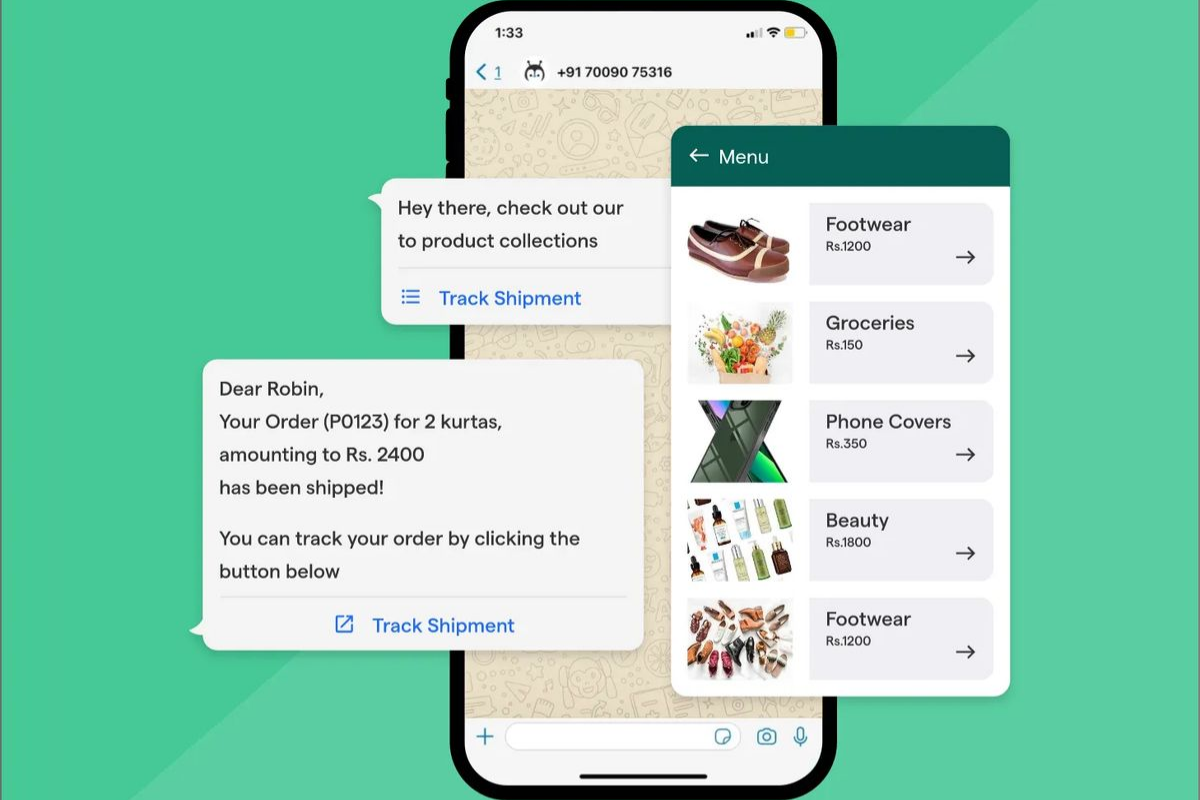
Both methods have a place. However, they solve different problems.
Use keyword reply when:
- The answer is fixed, such as prices or addresses.
- You want to send an image, video, or file.
- You need full control over the reply.
Use AI understanding when:
- Customers phrase questions in many different ways.
- The answer depends on context.
- You want to ask follow-up questions and learn customer needs.
In practice, the best results come from combining both. For example, DreamzTrack AI uses AI Keyword Reply to send images or videos when keywords appear. Meanwhile, AI handles the conversation that follows.
Common Setup Mistakes
- Using only one language. Customers may type “price,” “berapa,” or “多少钱.” Therefore, cover all three.
- Choosing very broad keywords. A common word can trigger replies in unrelated chats.
- Writing long replies. Phone screens are small. Instead, use an image with a short caption.
- Forgetting to update. Old prices cause confusion. Therefore, review your content regularly.
- Ending the chat too early. After the reply, ask a simple follow-up question.
- Never reviewing results. Check your chats monthly to find missed questions.
FAQ
Q1: Do I need coding skills to set up keyword replies?
No, you usually do not. You only choose keywords and write the matching replies.
Q2: How many keywords should I start with?
Start with five to ten common ones. Then add more based on real chats.
Q3: Will typing mistakes affect keyword replies?
They might. Therefore, include common spellings and short forms in your list.
Q4: Can keyword replies send images or videos?
Yes, some tools can. For instance, AI Keyword Reply from DreamzTrack AI sends images or videos when keywords appear.
Q5: Do I still need keyword replies if I use AI?
Yes, you do. Keyword replies handle fixed answers reliably, while AI handles flexible conversations.
In conclusion, start small with ten keywords across three languages. Then review your chats and improve the list over time. As a result, most repetitive questions will be answered automatically.